
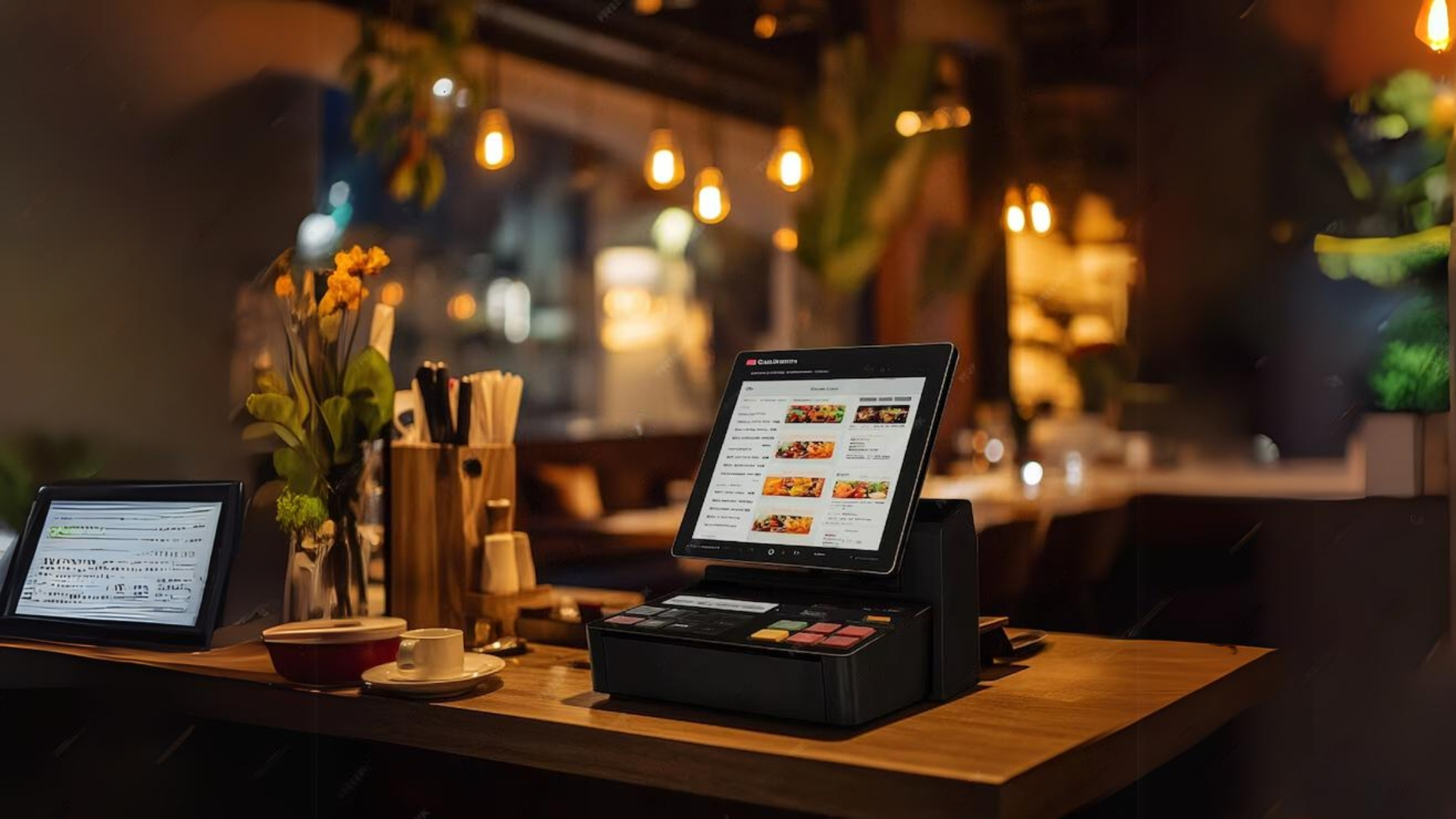
Restaurant workflow starts before the bill
In a restaurant, the POS must support ordering, preparation and settlement. A simple billing screen is not enough when staff need to send order details to the kitchen, track dine-in or takeaway orders, and handle changes during service.
A good restaurant POS setup should make menu categories clear, keep order notes structured and help the cashier settle bills without rewriting kitchen instructions manually.
- Dine-in, takeaway and counter sales workflows
- Menu categories for food, beverages and services
- Order notes and preparation details
KOT and kitchen coordination
KOT-style workflows help restaurants separate order taking from food preparation. The goal is to reduce confusion between cashier, waiter and kitchen staff, especially when the restaurant is busy.
Not every food business needs the same KOT setup. A cafe, pizza shop, hotel restaurant and catering business may all require different menu structures and order handling rules.
- Kitchen order details should be easy to read
- Order changes should be handled consistently
- Cashier and kitchen responsibilities should be separated
Reports restaurant owners should check
Restaurant owners need more than total sales. Useful reports include cashier totals, daily sales, menu category performance, payment summaries and stock-related information where inventory is included.
Cloud access is useful when the owner is not always at the restaurant. The Standard package is relevant when mobile access to the cloud system is needed.
- Daily sales and cashier summaries
- Menu and category performance
- Remote owner access where needed
Package choice for restaurant POS
A small cafe may start with Basic if it only needs a custom billing workflow and core reports. A restaurant owner who needs mobile access should consider Standard. A larger food business with more than one counter or broader service flow should consider Premium.
Read the restaurant POS page and KOT guide together before choosing a package.
- Basic for simple restaurant billing
- Standard for mobile access
- Premium for larger or multi-counter food businesses