
Restaurant POS case study

Restaurant POS Workflows for Food Businesses

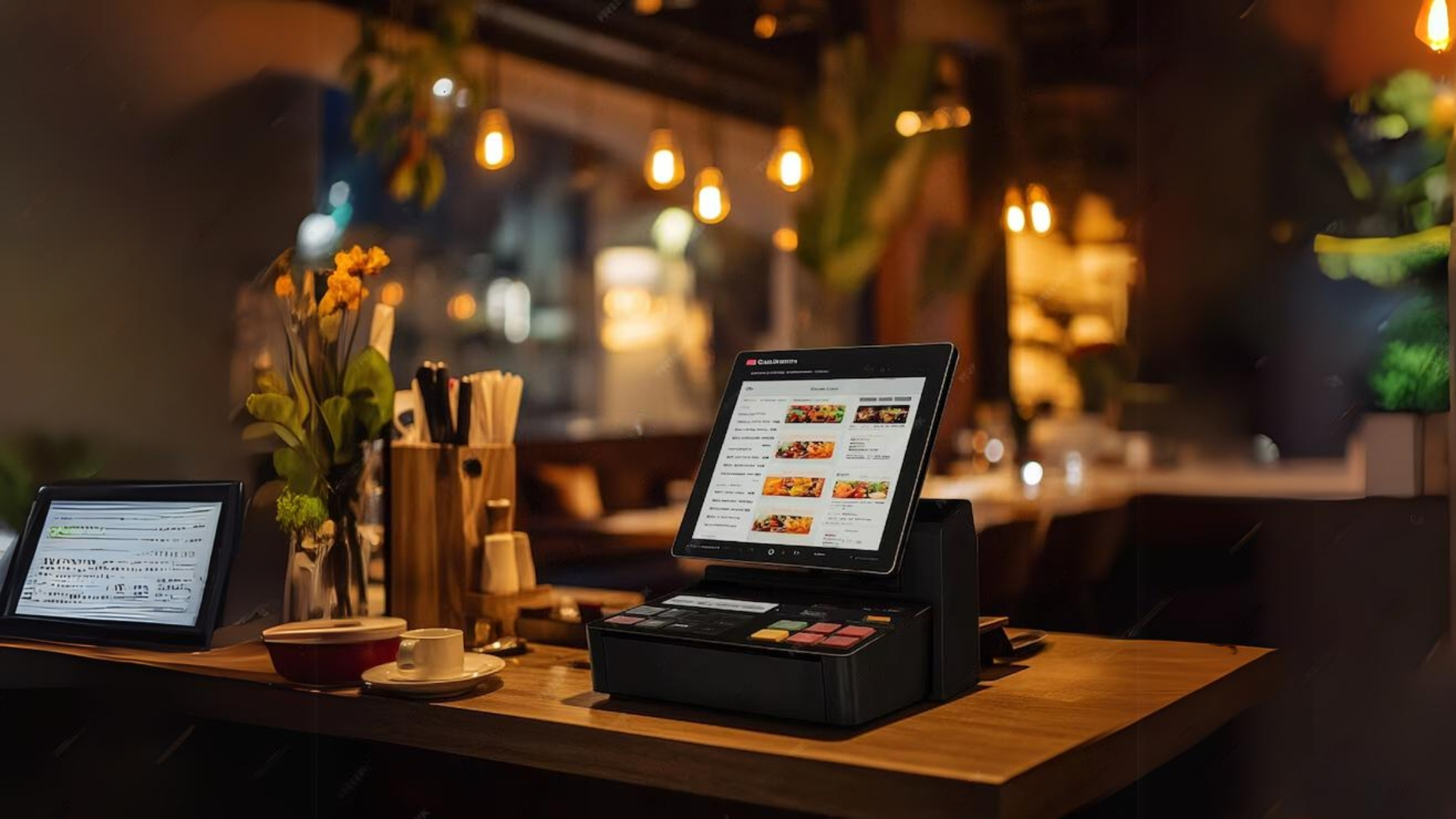
System Navigator POS is used by food businesses such as Luminar Restaurant, Kandy Food and Food Kingdom to support restaurant billing, order workflows, KOT-style coordination and daily reporting.

Restaurant POS workflow configured with System Navigator

Business type

Restaurants, cafes, hotels and catering

System type

System Navigator POS

Workflow

Order to kitchen to billing

Related page

Restaurant POS Sri Lanka

Problem before System Navigator

Food service has moving parts at the counter and kitchen

Restaurant teams need to take orders, coordinate preparation, settle bills and review sales without relying only on handwritten notes or disconnected manual summaries. During busy service, order details and cashier totals must stay clear.

System configured

A restaurant POS workflow configured around food service

System Navigator POS can be configured for menu categories, cashier billing, KOT-style order handling, order notes, staff roles and daily restaurant reports. The cloud setup and database preparation happen through the platform flow before workflow customization.

Outcome

Clearer billing and daily operational visibility

The configured workflow helps food businesses standardize order handling, cashier settlement and reporting. Owners get a clearer view of daily activity while staff work from a more structured restaurant process.

Features used

Restaurant POS features used

Restaurant implementations typically focus on speed at the cashier, clearer food order handling and owner visibility into daily sales.

Restaurant billing

Cashier workflows for dine-in, takeaway, delivery or counter sales.

KOT-style coordination

Order details can be organized around kitchen preparation needs.

Menu categories

Food, beverages and service categories can be configured around the restaurant menu.

Daily reports

Sales and cashier summaries help owners review restaurant performance.

Build a similar custom system

Register through the platform to start your cloud environment and database setup.

Start Your Custom System