
POS System in Sri Lanka for Retail, Restaurants, Pharmacies and Supermarkets
System Navigator POS is a custom cloud POS and billing system for Sri Lankan businesses that need reliable cashier workflows, inventory control, barcode billing, restaurant KOT, pharmacy stock handling, sales reports and business-specific setup. It is built as part of the broader System Navigator platform by Pixellark Solutions, so each package can be configured around the way your business actually operates.
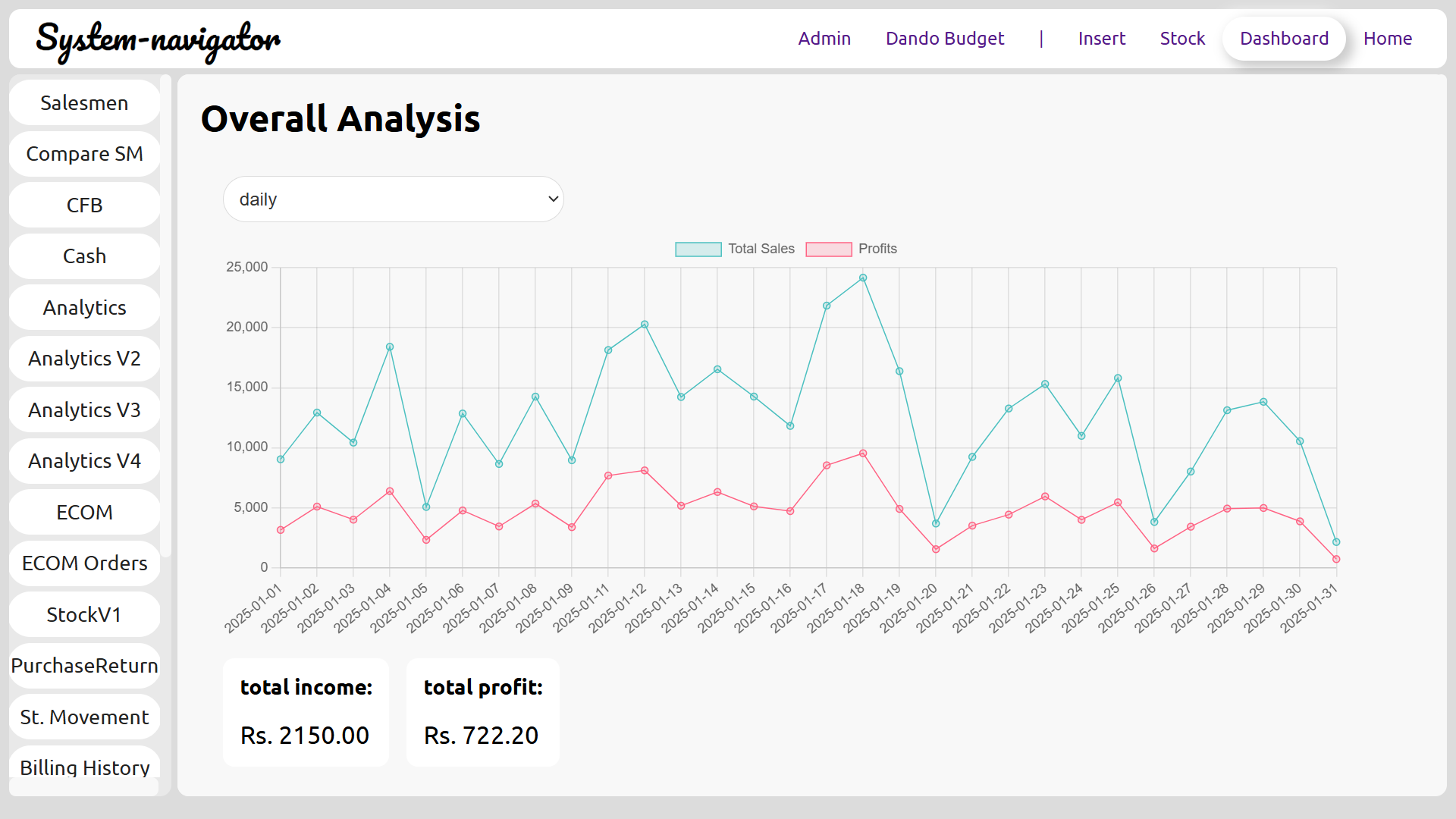
A Sri Lankan POS system should match the business, not force the business to match the software
Many businesses begin by looking for a simple POS system in Sri Lanka, but the real requirement is usually broader. A retail shop needs fast counter billing, product search, customer records, supplier stock and reports. A restaurant needs order flow, KOT handling, kitchen coordination and cashier settlement. A supermarket needs barcode billing, counter control, product categories, stock movement and end-of-day reporting. A pharmacy may need medicine stock visibility, expiry awareness and careful product records. System Navigator POS is positioned for these operational differences.
The product is not presented as one fixed template. Every System Navigator package is configured around the customer's business workflow. After registration and purchase, the platform prepares the cloud environment and database setup, and the system is customized according to the business type, users, counters, reports and operational needs. That makes the POS useful for practical day-to-day work rather than only invoice printing.
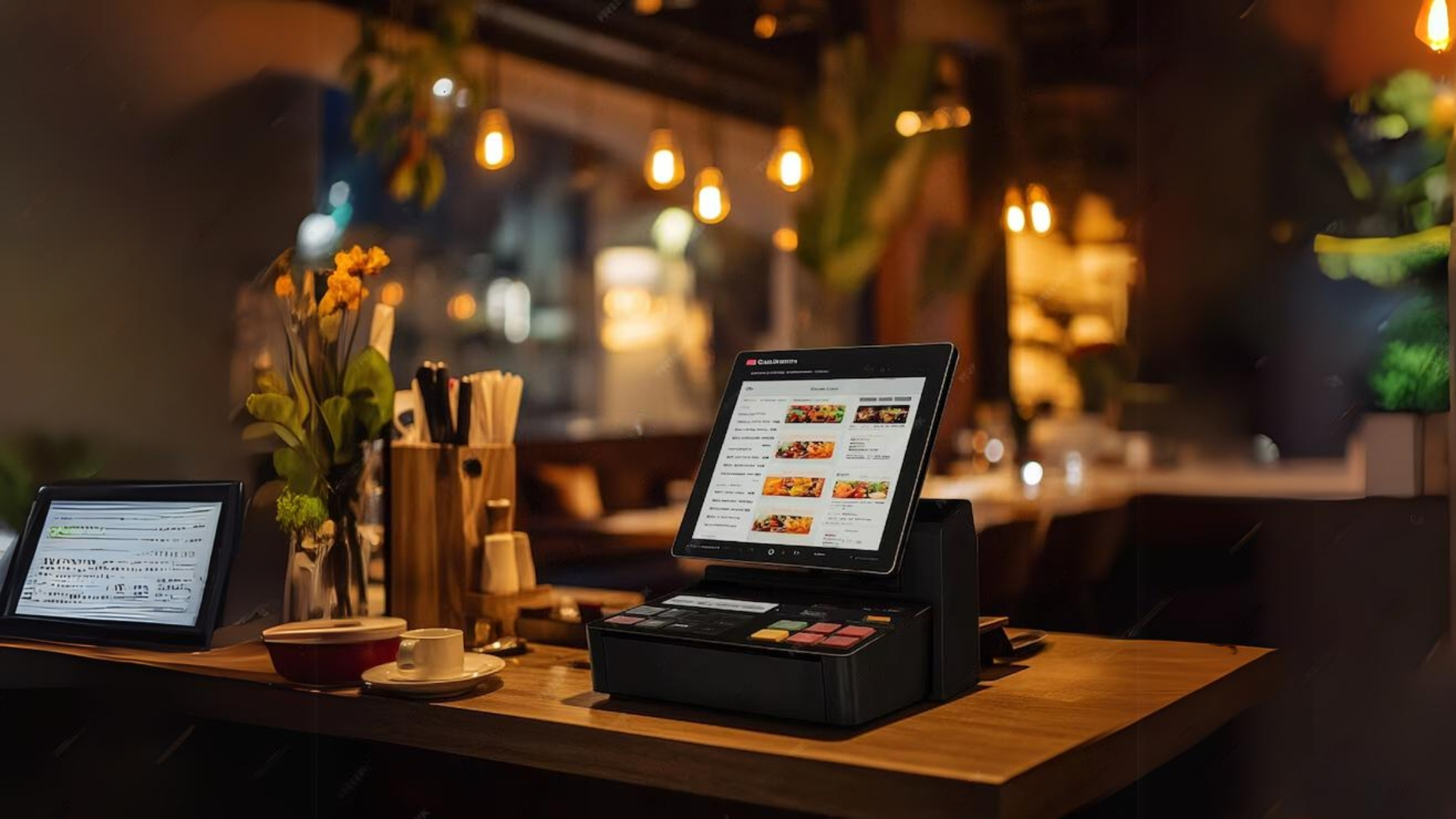
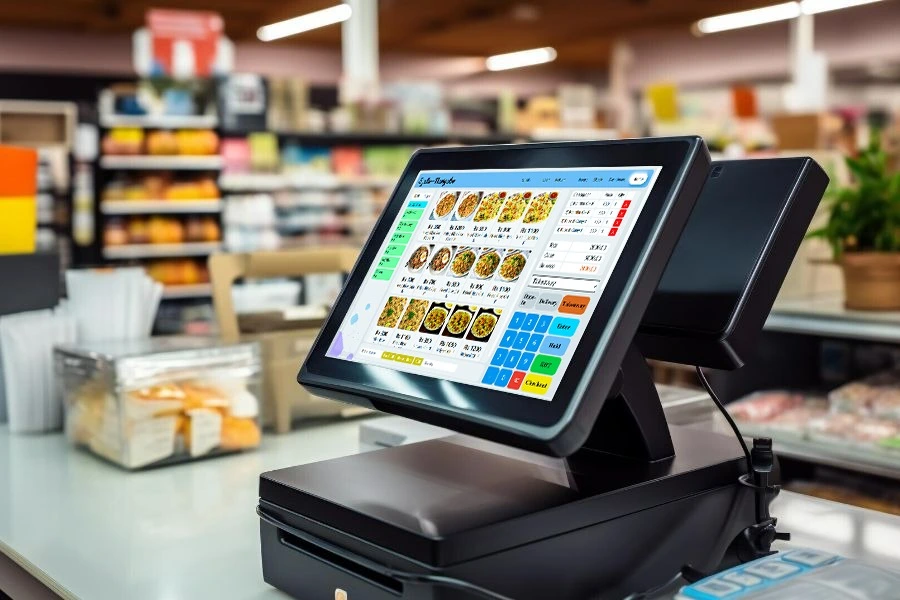
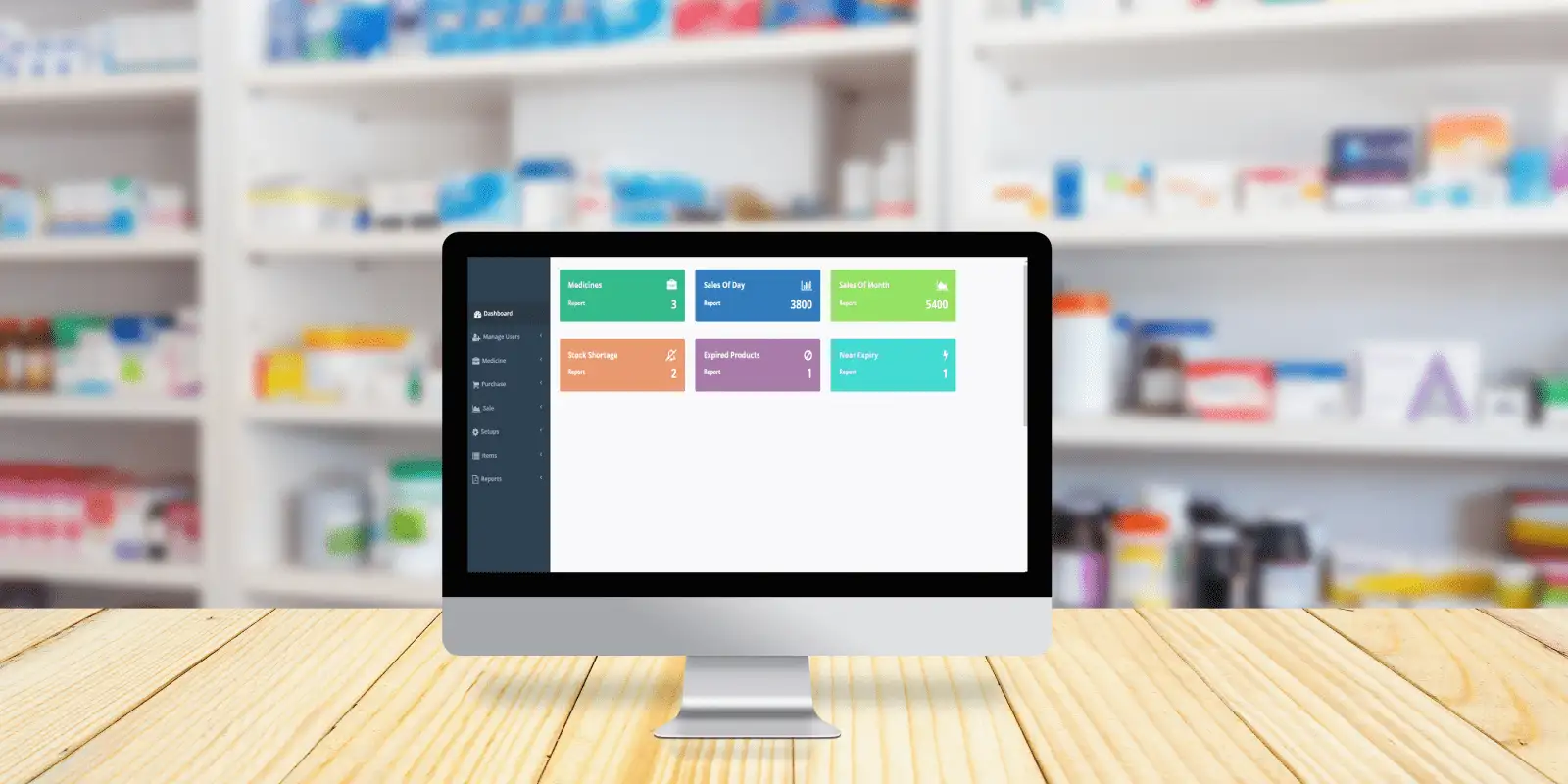
POS workflows for retail, restaurants, supermarkets, pharmacies and service businesses
System Navigator POS can be adapted for businesses that sell products, prepare food, manage medicine, operate counters, track stock or need daily operational reporting.
Retail POS system
Retail shops need quick item selection, product categories, discount handling, customer records, returns, stock checks and sales summaries. System Navigator POS can be configured for fashion, mobile shops, electronics, general retail and other counter-based operations.
Restaurant POS and KOT
Restaurants, cafes and hotels often need more than receipt printing. KOT workflows, kitchen coordination, order notes, cashier settlement and daily food sales reporting can be configured around the way each restaurant works.
Supermarket POS
Supermarkets and grocery stores need barcode billing, fast product lookup, price handling, multiple counters, stock visibility and reliable end-of-day reporting. Premium package workflows are better suited when more than one counter is required.
Pharmacy management
Pharmacies need careful stock records, product search, billing and reporting. The system can be customized for pharmacy-style product catalogs and the reporting needs of the business.
Service business billing
Service businesses may need invoices, customer records, payment tracking, staff workflows and reports rather than supermarket-style billing. System Navigator can be configured for those workflow differences.
Custom workflow systems
Some businesses need a POS system connected to broader inventory, staff, customer or reporting workflows. System Navigator is the umbrella platform for those business management requirements.
Billing, stock, reports and user workflows in one cloud system
A useful POS system should reduce repeated manual work at the counter and give the owner better visibility. System Navigator POS can include product management, cashier billing, customer records, inventory basics, sales reports, mobile access, multi-counter handling, barcode workflows and business-specific reports depending on the selected package and setup requirements.
For a business owner, the value is not only a printed receipt. The value is knowing what sold, what stock moved, which counters were active, which products need attention, and how the daily operation is performing. That is why the setup conversation matters before deciding which package is right.
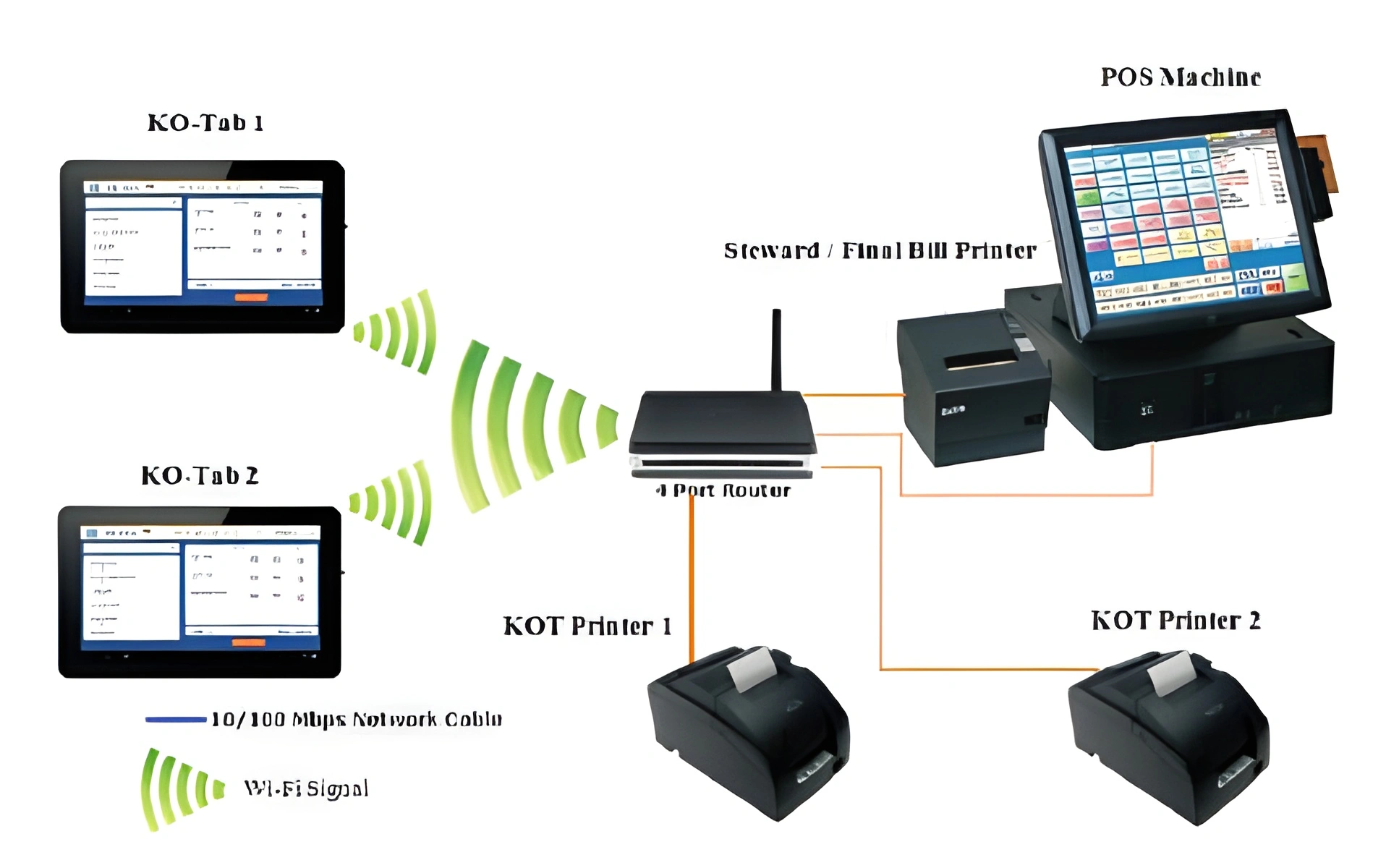
Restaurant POS with kitchen order handling
Restaurant POS work is different from a retail counter. Food orders may need to move from the cashier or service area to the kitchen. Staff may need to separate dine-in, takeaway or delivery orders. The owner needs daily food sales reports, cashier totals and visibility into order activity. System Navigator POS can be configured for restaurant KOT workflows so the billing process and kitchen process work together.
This is useful for restaurants, cafes, bakeries, hotels, catering businesses and food outlets that need a practical order-to-bill workflow. The exact setup depends on counters, staff roles, kitchen needs and reports.
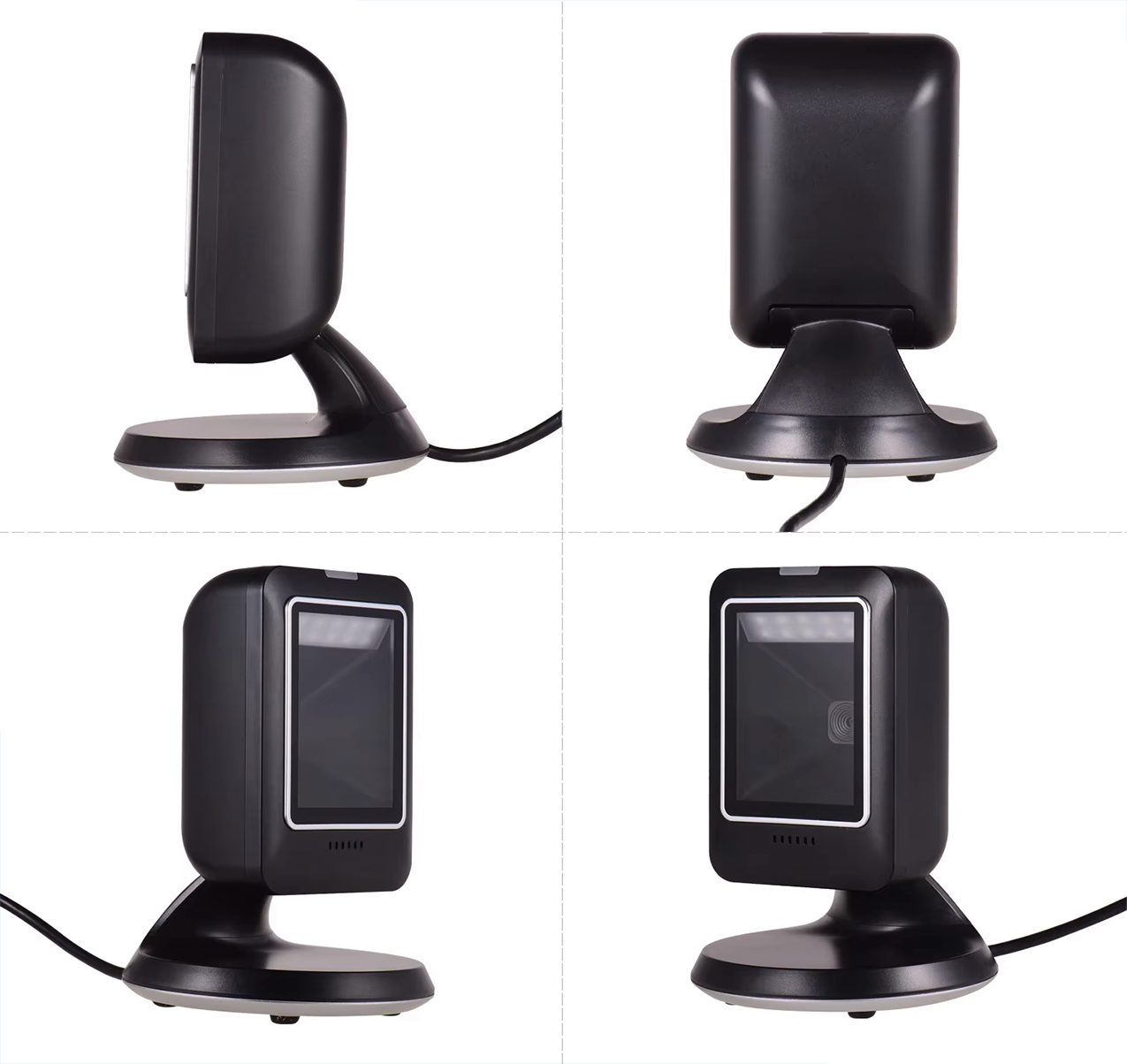
Barcode POS workflows for busy counters
Retail shops and supermarkets need a POS system that can keep up with counter speed. Barcode billing, product lookup, category organization, price handling, stock movement and cashier reports reduce manual work and mistakes. For grocery and supermarket environments, multi-counter support may also be important because several cashiers can be active during busy hours.
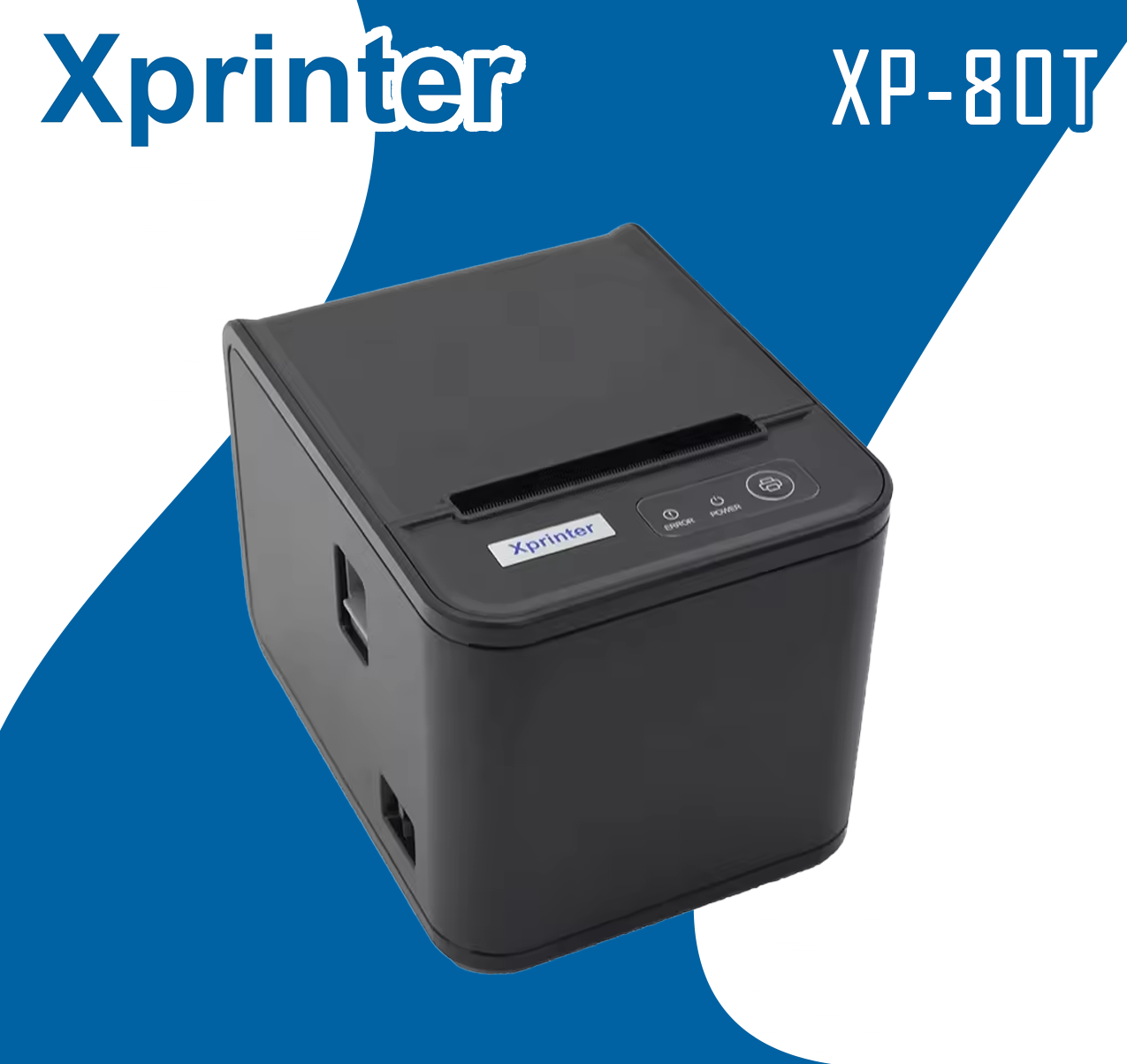
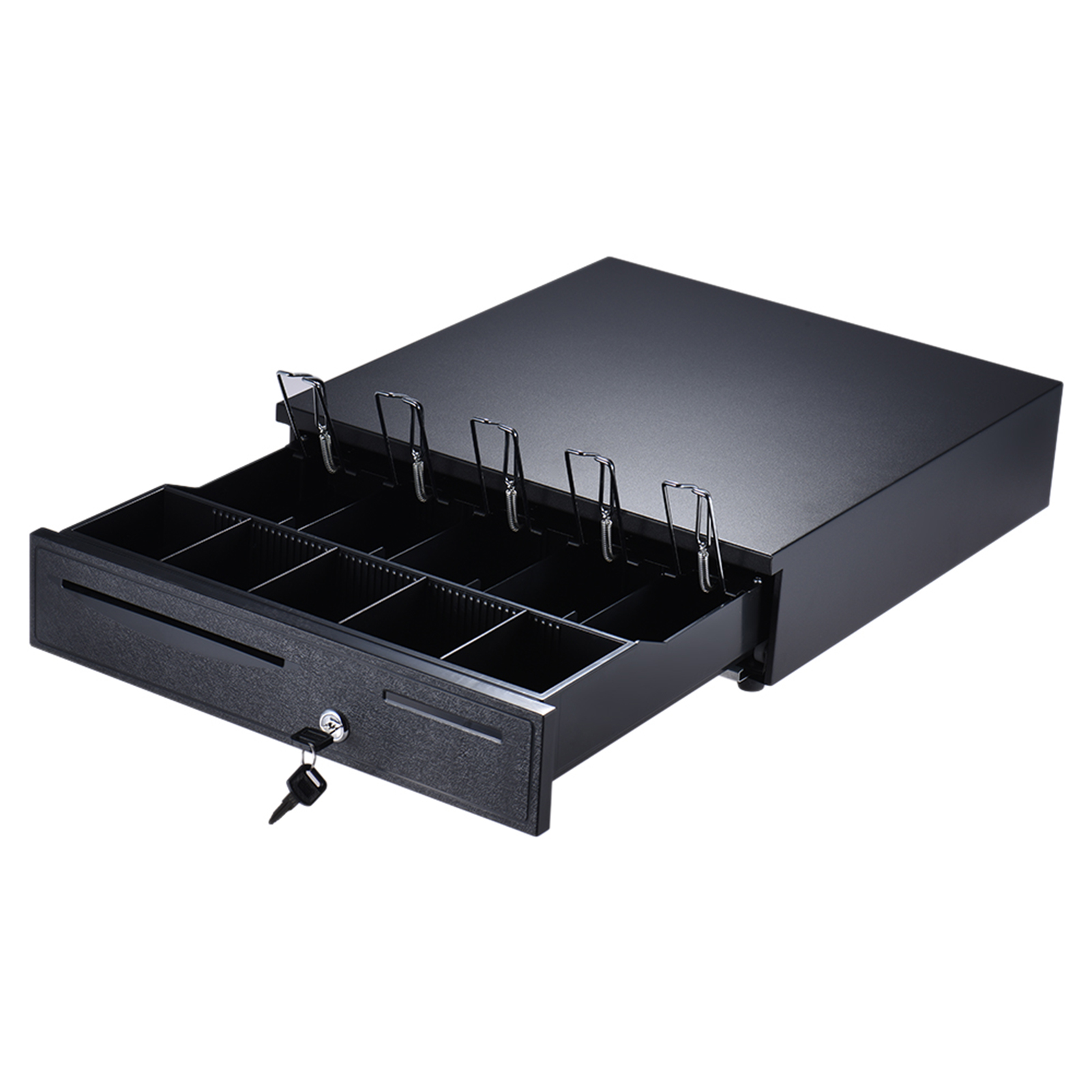
System Navigator POS can be configured for barcode-focused billing and stock workflows. Barcode scanners, receipt printers, cash drawers and counter hardware can be part of the implementation discussion so the software and hardware fit the real counter environment.
During implementation, the counter layout, printer needs, barcode workflow and cashier process should be reviewed together. This helps avoid a setup where the software works but the billing counter remains slow or uncomfortable for staff.
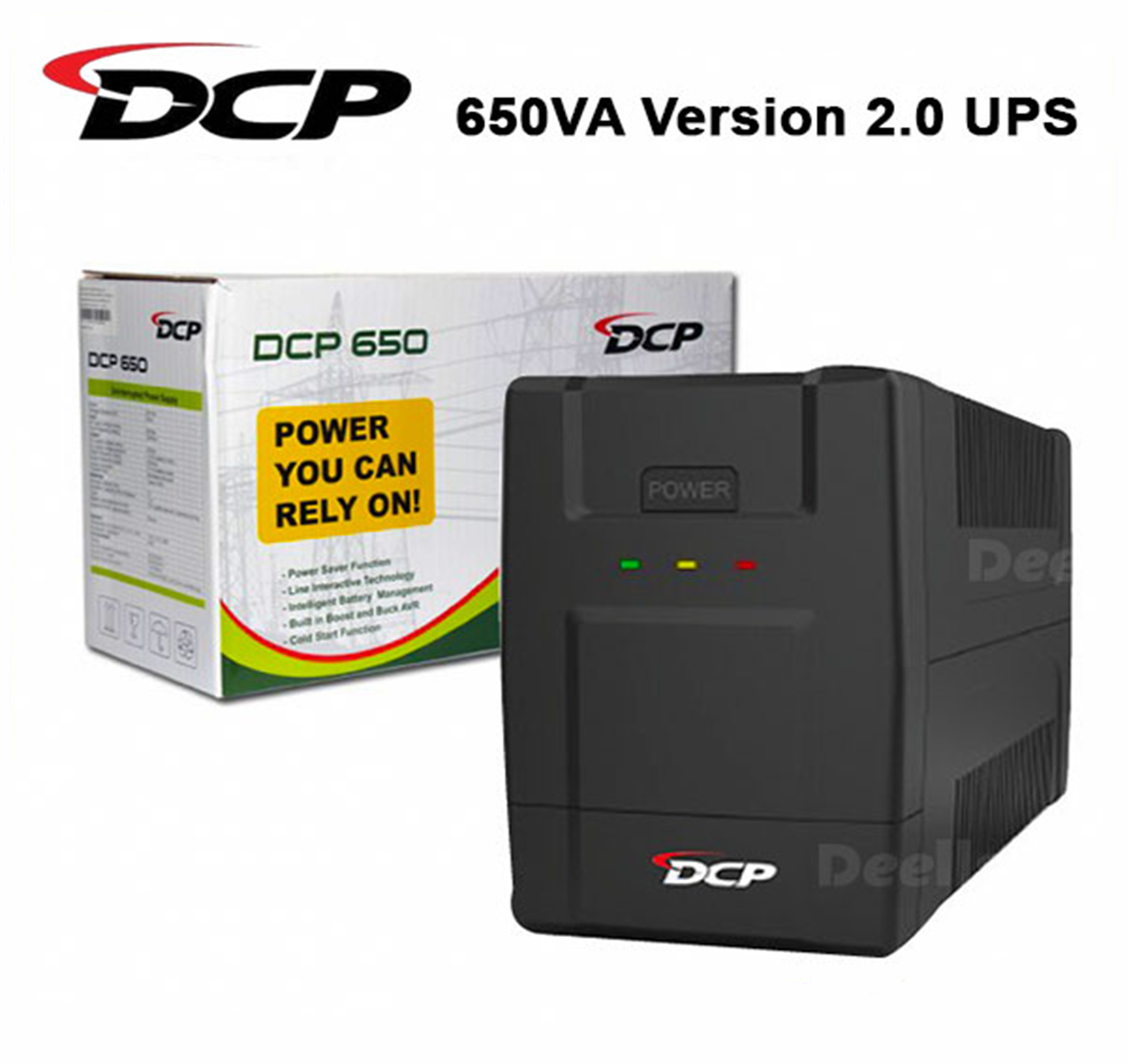
A POS system can also support careful product records, customer history and service billing
Pharmacy and service businesses usually need a different setup from a supermarket or restaurant. A pharmacy may need fast medicine search, organized product records, stock visibility and reports that help the owner understand daily sales and stock movement. A laboratory, repair shop, salon, agency or service company may need customer records, invoices, payment notes, staff responsibilities and service categories instead of a simple item-sale workflow.
System Navigator POS can be configured around these differences. The business can define the important product or service categories, the reports needed by management, the users who should access the system, and whether the owner needs mobile access to check activity from outside the shop. This is why the package discussion matters before setup. The same POS foundation can be adapted for pharmacy-style stock, service invoicing, retail billing or broader operational reporting.
For service businesses, the system can focus less on barcode scanning and more on customer workflow, billing accuracy, payment tracking and daily summaries. For pharmacies and product-heavy shops, the system can focus more on item records, stock movement and counter speed. Pixellark Solutions configures these details after the cloud environment and database are prepared through the platform flow.
Customization examples
Pharmacy stock and billing
Medicine-style product records, fast search, cashier billing and stock reports.
Customer and service records
Useful for businesses that sell services, handle repeat customers or track work by staff.
Owner reporting
Daily summaries, sales movement and workflow reports configured around management needs.
Remote cloud access
Standard and Premium options can support owners who need mobile access to the cloud system.
Register, purchase and let the platform prepare the environment
The System Navigator public website explains the product and pricing. The existing platform handles the operational flow. After the customer registers and selects a package, the platform starts the setup process. The cloud environment and database are prepared, then Pixellark configures the system according to the business type and requirements.
This cloud-based approach is useful for owners who need access beyond one computer. Standard includes mobile access to the cloud system, and Premium adds more than one counter handling for larger operations. The exact configuration depends on the package and business workflow.
- 1
Choose a package
Compare Basic, Standard and Premium based on your workflow.
- 2
Register through the platform
Create the customer account inside the existing system.
- 3
Purchase and start setup
The platform begins the environment preparation process.
- 4
Cloud database setup
The business receives a prepared environment and database.
- 5
Workflow customization
Users, counters, reports and operational needs are configured.
System Navigator POS pricing
All packages are custom cloud-based systems. Contact us if you want help choosing the right setup before registration.
Basic
For small businesses starting digital billing
Rs. 67,500
Custom cloud POS or billing system, database environment, core billing, inventory basics and reports.
Contact WhatsAppStandard
For businesses needing remote or mobile access
Rs. 85,000
Everything in Basic plus mobile access to the cloud system for owners and managers.
Contact WhatsAppPremium
For larger operations or multi-counter businesses
Rs. 112,500
Everything in Standard plus more than one counter handling for busier operations.
Contact WhatsAppPOS and business systems already used across industries
System Navigator and Pixellark Solutions have public client proof across restaurants, retail, healthcare, distribution and service businesses. These examples help buyers understand that the product is built for real operations, not only demos.

Luminar Restaurant
Restaurant POS system workflow.

Kandy Food
Hotel and catering POS workflow.

Food Kingdom
Food business POS solution.

Medizone Holdings
Healthcare laboratory workflow.
Questions about POS systems in Sri Lanka
Is System Navigator POS suitable for small shops?
Yes. Basic is positioned for small businesses starting digital billing. It includes a custom cloud POS or billing system, database environment, core billing, inventory basics and reports.
Can the POS system support restaurants and KOT?
Yes. Restaurant workflows can include KOT handling, kitchen coordination, cashier billing, order notes and daily reports depending on the setup requirements.
Does it support barcode billing for retail and supermarkets?
Yes. Barcode billing, product lookup, category organization, stock visibility and counter workflows can be configured for retail shops and supermarkets.
Which package includes mobile access?
Standard includes mobile access to the cloud system. Premium includes Standard features plus more than one counter handling.
Can POS hardware be part of the setup?
POS hardware compatibility can be discussed during setup. Common counter needs include barcode scanners, receipt printers, cash drawers and billing counters.
How do I start?
You can register through the platform, view packages or contact Pixellark Solutions on WhatsApp for package guidance before choosing a custom setup.
Start your custom POS system setup
Register through the platform to begin setup, or contact WhatsApp 0778941889 if you need help choosing a package.