
Restaurant POS System in Sri Lanka for KOT, Billing and Kitchen Workflows
System Navigator POS by Pixellark Solutions can be configured for restaurants, cafes, bakeries, hotels and food outlets that need a practical order-to-kitchen-to-bill workflow in a custom cloud system.
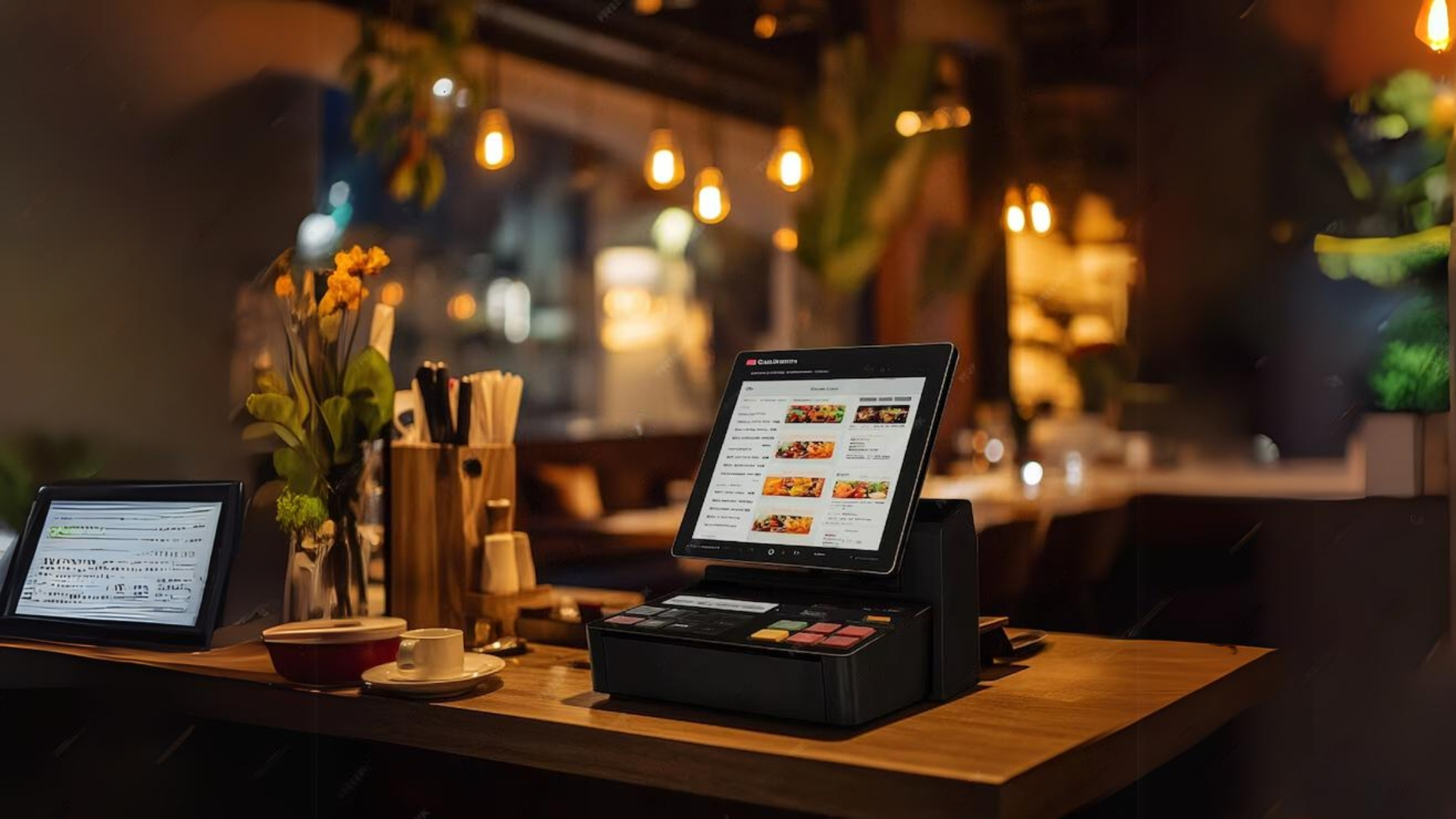
Restaurants need more than a normal billing screen
A restaurant POS system has to support the pace of food service. Orders may come from a cashier, waiter or counter. Kitchen staff need clear preparation details, while the cashier needs fast settlement for dine-in, takeaway or delivery orders.
System Navigator POS can be adapted around the way each restaurant works. A small cafe may need simple item billing and daily reports. A larger restaurant may need KOT handling, order notes, multiple user roles and owner access from outside the premises.
After registration and package selection, the platform prepares the cloud environment and database setup. Pixellark Solutions then configures the workflow around counters, staff roles, menu categories, reports and kitchen requirements.
Restaurant POS features
KOT workflow
Send order details toward the kitchen workflow so preparation and cashier activity stay connected.
Menu and category setup
Organize food items, beverages, service categories and prices around the restaurant menu.
Cashier settlement
Support practical billing for dine-in, takeaway, delivery or counter sales.
Daily food sales reports
Give owners visibility into item movement, cashier activity and end-of-day totals.
Mobile owner access
Standard and Premium packages can support mobile access to the cloud system.
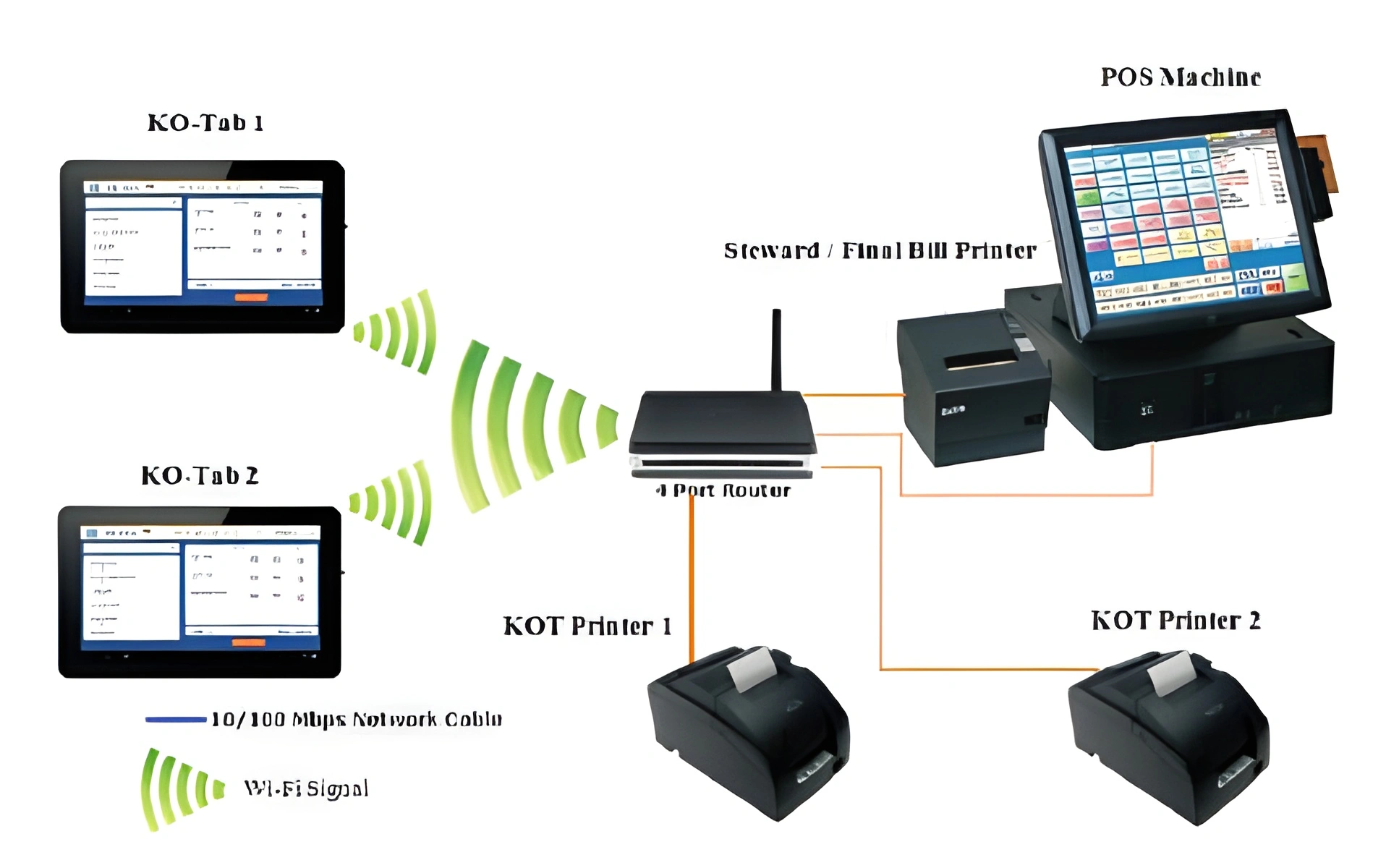
Standard is usually the practical starting point for restaurants
A restaurant owner often needs to check activity outside the counter, so Standard is commonly a better fit than Basic. Premium should be considered when the restaurant has more than one active counter, a busier service flow or multiple billing points.
Recommended package: Standard
Rs. 85,000
Includes custom cloud setup plus mobile access for owners and managers.
Plan the full business system around your workflow
Use these pages to compare POS, billing, pricing and nearby industry workflows before choosing a custom cloud setup.
POS System Sri Lanka
Main System Navigator POS landing page.
Billing System Sri Lanka
Invoice, receipt and cashier billing workflows.
Package Pricing
Basic, Standard and Premium custom cloud packages.
Supermarket POS
Compare this related workflow.
Pharmacy Management
Compare this related workflow.
Retail POS
Compare this related workflow.
Inventory Management
Compare this related workflow.
Restaurant POS questions
Can System Navigator POS support KOT for restaurants?
Yes. Restaurant workflows can include KOT handling, kitchen coordination, order notes, cashier billing and daily reports depending on the setup requirements.
Is this suitable for cafes and bakeries?
Yes. The system can be configured for cafes, bakeries, hotels, catering businesses and food outlets with simpler or more detailed order workflows.
Which package is best for a restaurant?
Standard is often suitable because it includes mobile access. Premium is better when more than one counter or a busier operation needs multi-counter handling.
Does the setup happen after registration?
Yes. After registration and purchase, the platform prepares the cloud environment and database, then the restaurant workflow is configured.
Start your restaurant POS setup
Register through the platform or contact Pixellark Solutions on WhatsApp to confirm the best restaurant POS package.