
POS and billing
Counter billing, receipts, product sales, service billing and cashier workflows.
System Navigator is a custom cloud business software platform for Sri Lankan companies that need connected POS, billing, inventory, customer, staff and reporting workflows instead of disconnected manual systems.
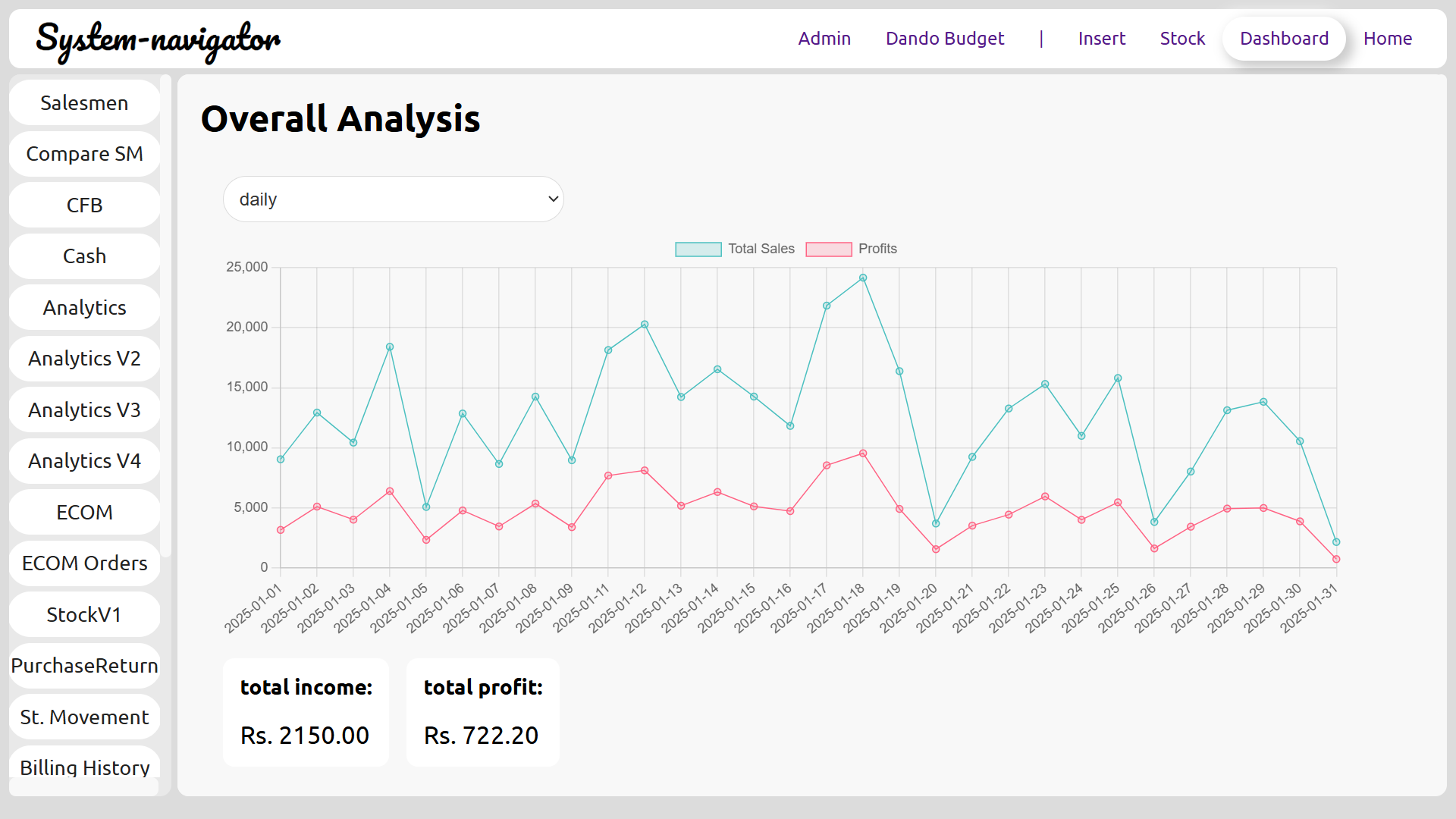
Many businesses start with a POS requirement, but the real problem is often broader. Sales, stock, suppliers, customers, counters, staff and reports all need to work together if the owner wants useful visibility.
System Navigator by Pixellark Solutions is positioned as an umbrella platform. System Navigator POS handles counter and billing workflows, System Navigator Inventory supports stock visibility, and broader business workflows can be configured around how the company operates.
The platform is cloud based and configured after registration, package selection and environment setup. That keeps the public website focused on explanation while the existing platform handles account creation, purchase, cloud environment preparation and database setup.
POS, invoice, receipt and service billing workflows for local business operations.
Product records, stock visibility and reports connected to sales activity.
User roles, counters and operational responsibilities configured around the business.
Daily summaries and workflow reports for owners and managers.
System Navigator can begin with a package and then be configured around the operational areas that matter most.
Counter billing, receipts, product sales, service billing and cashier workflows.
Product setup, stock movement visibility and management reports.
Standard and Premium packages support remote access to the cloud system.
Configure user access and counter workflows according to business scale.
Sales, stock and operational summaries for business decisions.
Adapt fields, categories and process steps to the business model.
Pixellark Solutions reviews the business type, number of users, counters, reports, mobile access needs and workflow details after the package flow begins. The system is then configured around those practical requirements.
Create the customer account through the platform.
Select Basic, Standard or Premium based on workflow scope.
The platform starts the environment and database setup flow.
Users, reports, counters, modules and operational details are adapted.
These pages connect the broader platform story with POS, billing, inventory, industry workflows and package pricing.
No. POS is one product line. System Navigator is positioned as a broader business software platform for sales, inventory, customers, staff and reports.
Yes. The setup can be configured around business type, users, counters, reports and operational requirements.
Yes. After registration and purchase, the platform prepares the cloud environment and database setup.
Standard is useful when mobile access is needed. Premium is better for larger operations or more than one counter.
Register through the platform or contact Pixellark Solutions to discuss the right workflow setup.