
Start with the billing workflow
Before buying POS hardware, map the counter workflow. A clothing store, pharmacy, supermarket and restaurant all need different devices. Some need barcode scanners every minute. Others mainly need receipt printing and a simple cashier screen.
Hardware should support staff speed and accuracy. Buying devices first and trying to fit the software later often creates unnecessary counter problems.
- Decide whether barcode scanning is required
- Decide whether receipt printing is always needed
- Plan where the cashier device will sit
Core POS hardware items
Common POS hardware includes a billing computer or tablet, receipt printer, barcode scanner and cash drawer. Supermarkets and retail shops may also need label printing or weighing scale workflows depending on how products are sold.
Restaurants may use different hardware priorities, especially if kitchen printing or KOT-style workflows are involved.
- Receipt printer for customer bills
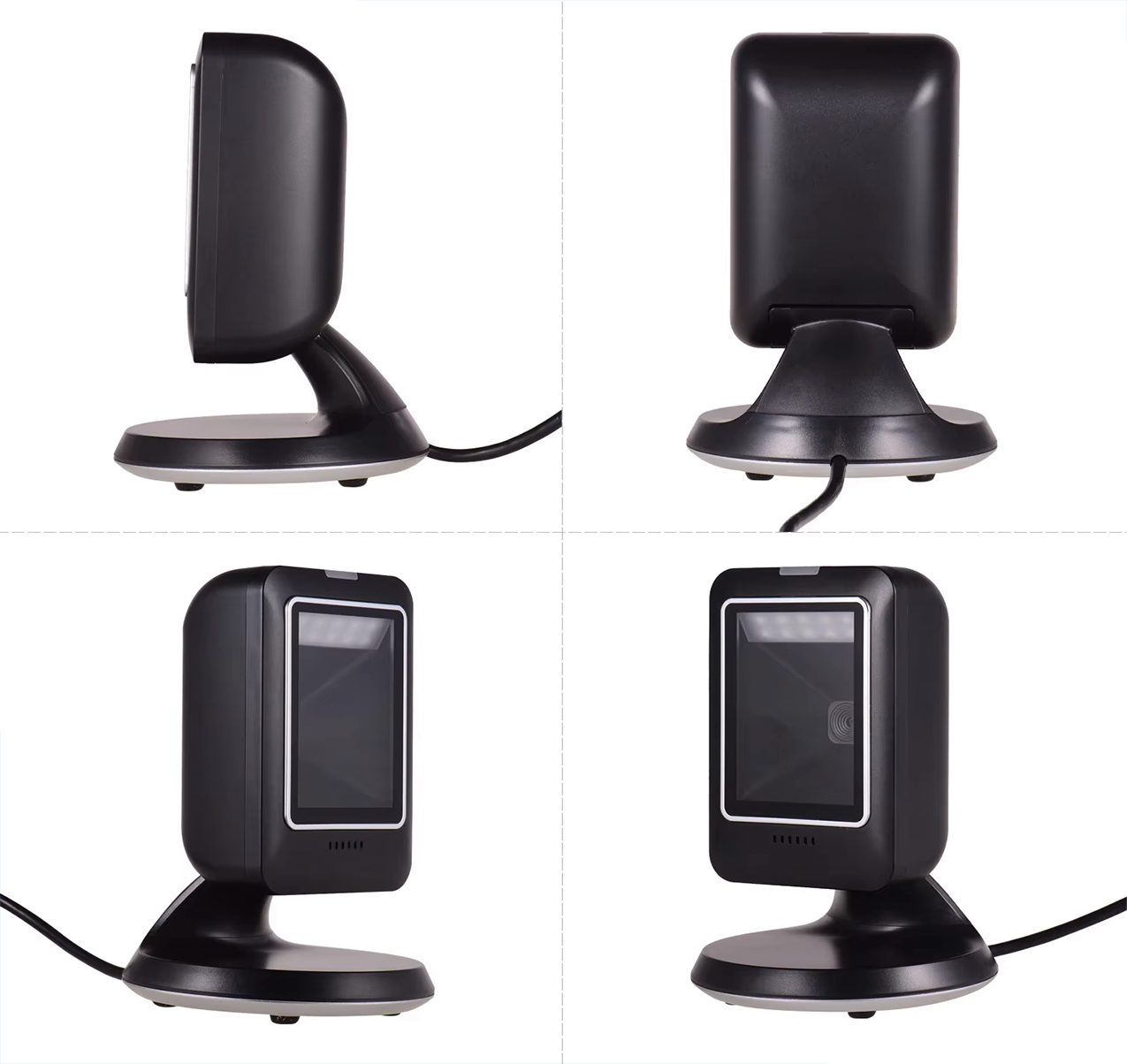
- Barcode scanner for product lookup
- Cash drawer for cash handling
- Counter device for cashier operation
Barcode scanner and receipt printer planning
Barcode scanners are most useful for supermarkets, pharmacies, retail shops and product-heavy businesses. Receipt printers are useful for most counter billing workflows, but paper size and print style should match the business process.
Ask how the hardware will be used during real billing. A scanner that is awkward to reach or a printer that slows the cashier can reduce the benefit of the POS system.
- Keep scanner placement easy for the cashier
- Use receipt format that fits customer and business needs
- Confirm device compatibility during setup discussion
Connect hardware planning to POS package choice
Hardware is only one part of the POS setup. If the business also needs mobile access, choose a package that supports cloud access. If the business needs more than one counter, hardware planning and Premium-level workflow planning should happen together.
Use the POS and pricing pages to plan software scope before final hardware decisions.
- Plan software workflow first
- Match hardware to counter count
- Confirm barcode and printer workflows before launch