
What cloud POS means
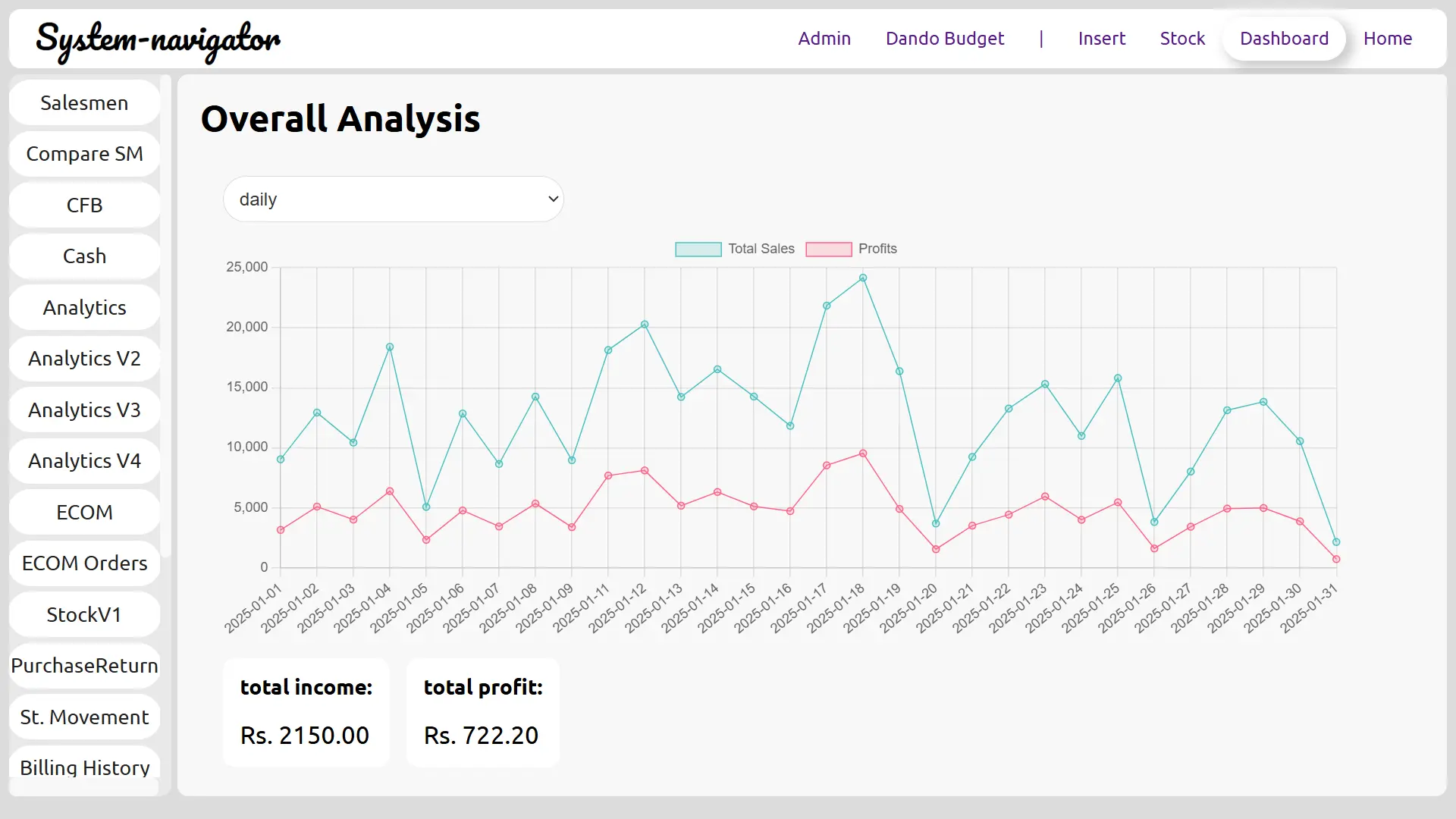
A cloud POS keeps the business system accessible through a hosted environment. This is useful when owners need access from outside the shop, managers need mobile visibility, or the business wants a prepared cloud environment and database setup.
System Navigator packages are presented as custom cloud-based systems. After registration and purchase, the platform prepares the cloud environment and database setup before the workflow is customized around the business type.
- Remote owner access is easier
- Mobile visibility can be included from the right package
- Reports can be checked away from the counter
What desktop POS means
Desktop POS usually means the system is focused on the local counter machine. This can be practical for businesses that only need billing at one location and do not need owner access from outside the shop.
The limitation is visibility. If the owner needs daily sales, stock or cashier reports from another device, a desktop-only approach may require additional setup or a separate reporting process.
- Good for simple local counter workflows
- Can be limited for remote owner reporting
- Maintenance depends on the machine and local setup
How to choose for your business
Choose cloud POS if the owner wants mobile access, remote reporting, structured database setup and a system that can be customized around users, counters and reports. Choose a simpler local approach only if the business is truly counter-only and does not need remote review.
Restaurants, supermarkets and pharmacies often benefit from cloud access because owners need to review sales, stock and staff activity after the counter closes.
- Restaurants may need KOT and owner reports
- Supermarkets may need barcode and multi-counter workflows
- Pharmacies may need stock and product visibility
System Navigator approach
System Navigator focuses on custom cloud-based packages for POS, billing, inventory and reporting workflows. The package choice should match whether the business needs only core billing, mobile access or multi-counter handling.
The main POS and pricing pages explain how the platform flow connects registration, purchase, cloud environment preparation and database setup.
- Basic for core cloud billing
- Standard for cloud plus mobile access
- Premium for broader multi-counter workflows