
Where barcode billing helps most
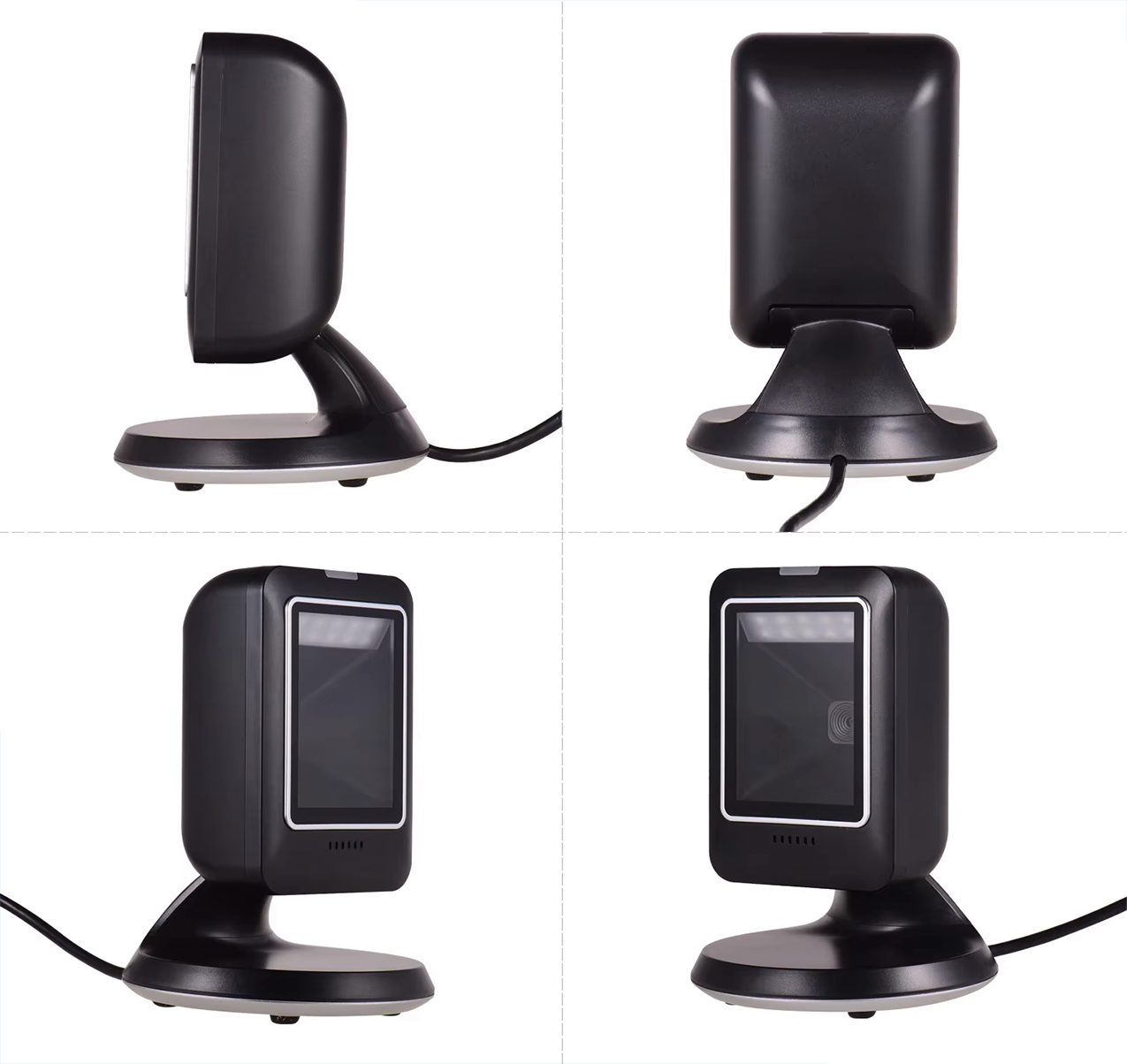
Barcode billing is useful for supermarkets, pharmacies, fashion stores, mobile shops, bookshops and retail businesses with many products. Instead of searching manually, the cashier scans the item and the POS reads the product record.
The benefit depends on clean product setup. If product names, prices and barcodes are poorly maintained, scanning will not fix the underlying data problem.
- Supermarkets and grocery stores
- Pharmacies and medical product shops
- Retail, fashion, electronics and bookshops
Product records are the foundation
A barcode billing system needs accurate product records. The system should know the product name, price, category and stock-related information. For pharmacies and supermarkets, product categories and stock movement visibility become especially important.
Before launch, the business should clean product data and decide how new items will be added. This prevents counter delays later.
- Keep product names consistent
- Set prices and categories clearly
- Decide who can add or edit products
Barcode billing and multi-counter use
A single-counter shop can often start with a simpler setup. Larger supermarkets or high-volume stores may need more than one counter. In that case, product records, reports and counter handling should be planned together.
Premium-level workflows are more relevant when the business needs more than one counter handling.
- Plan scanner and printer placement per counter
- Keep product records shared across counters
- Use reports to review sales and cashier activity
How System Navigator fits barcode workflows
System Navigator POS can be configured for product records, barcode billing, cashier workflows, inventory basics and sales reports. The correct package depends on whether the business needs mobile access or more than one counter.
Read the supermarket POS and retail POS pages for more specific workflow examples.
- Retail shops can use barcode billing for faster item lookup
- Supermarkets can connect barcode billing with counter workflow
- Pharmacies can combine product records with stock visibility